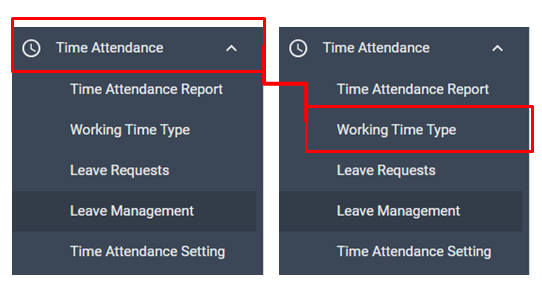
To manage Working time (Shift), move to Time Attendance > Working Time Type menu.
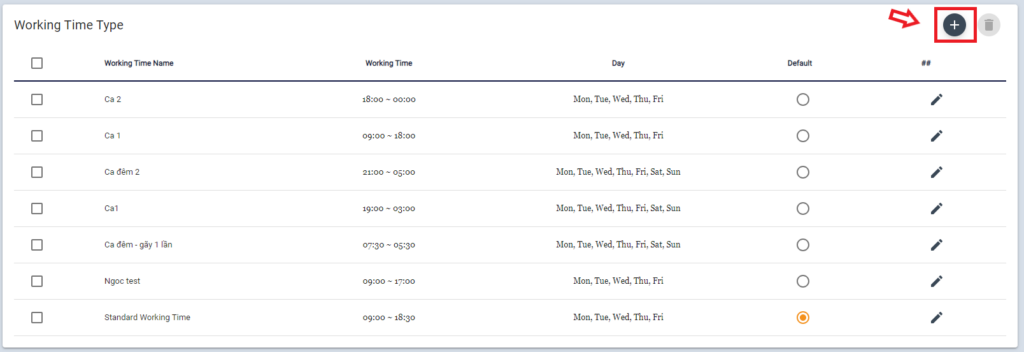
HR manager can use Default working time (9-18PM) or make it flexible.
To Add new working time, click +
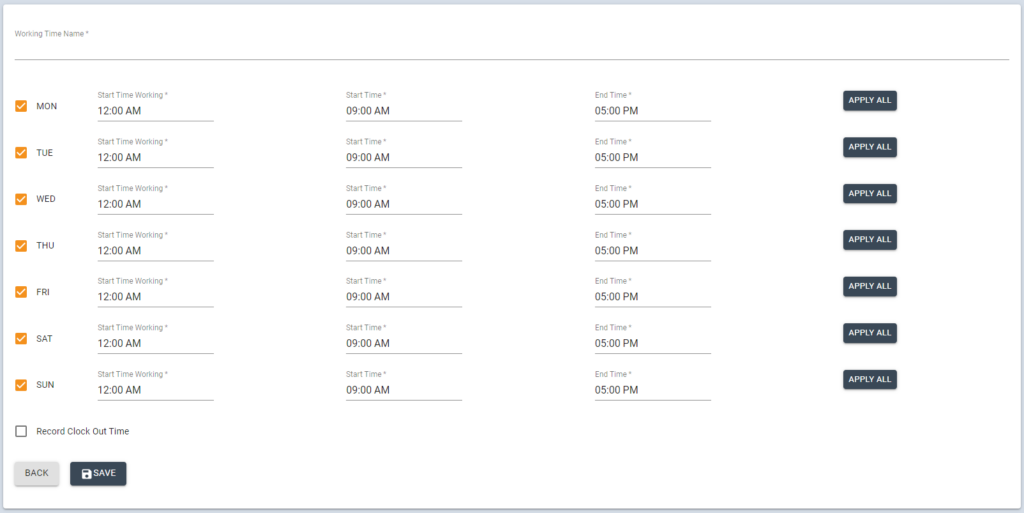
Input the name of working time, edit time schedule, then click [SAVE] button
Click on the 
Click on the
- The hours spent only in the office: System will only show the time of employee spent in the office
- Total hours from clock in to out
- Manager can choose Setting Lunch Time if you choose the Total hours from clock in- to out type by set the Lunch Start Time and Lunch End Time