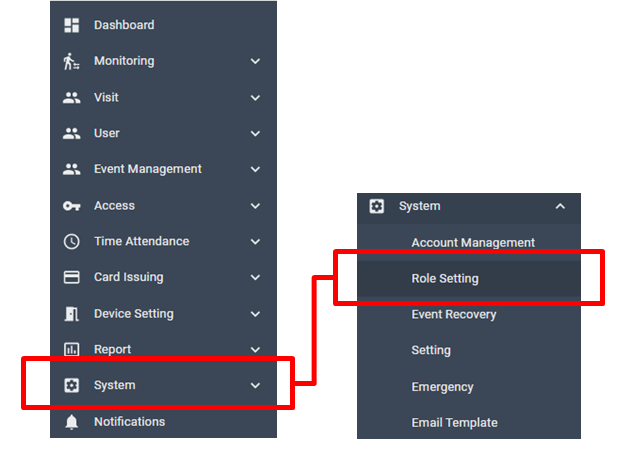
[System > Role Setting]
In this menu, you can see the list of role and their authority.
Click a name of the Role, then the authority to view/add/edit/delete of each function will be shown on the right column as below.
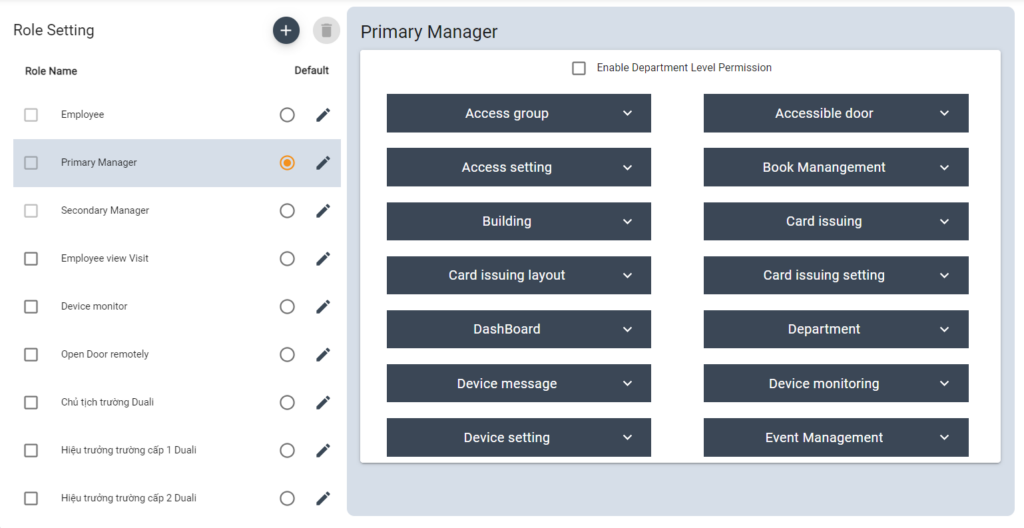
In DUALL Master system, following 3 role is set as default
Primary Manager – has all authority to view/add/edit/delete of the whole system
Secondary Manager – has authority to view (access) information, but is not able to edit.
Employee – has authority to view only access door/ building information
- Edit Role
To change name of Role, click edit icon from the list
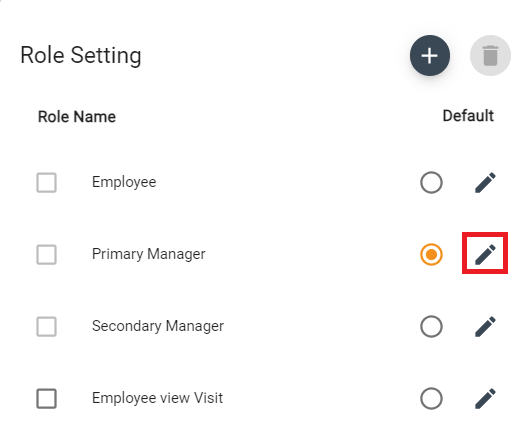
Change into a new name then click save.
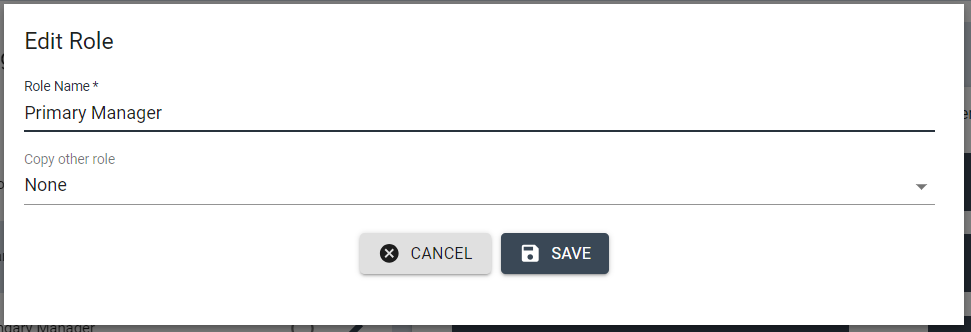
** For those 3 default roles, changing authority isn’t possible, so you need to add new Role for customizing role &authority
Add New Role
Click + icon from the list of Role, and input name of the role.
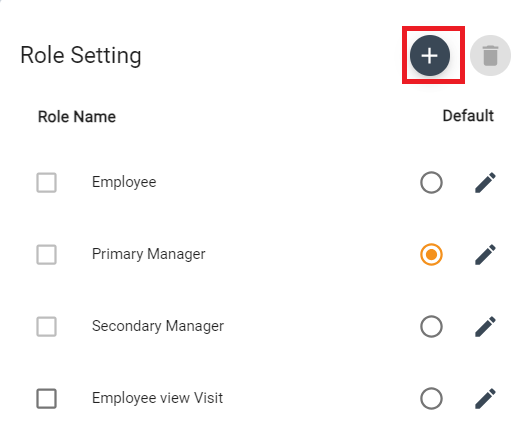

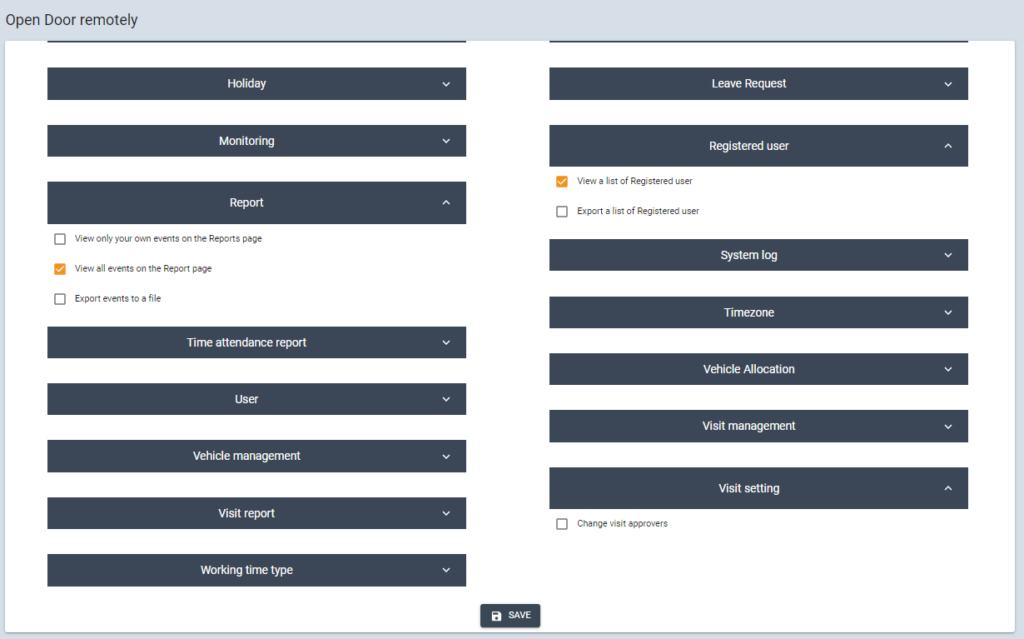
You can copy authority from other roles or customize from the function list.
To edit the authority of the role, simply check the box to add under this Role then click [SAVE] on the bottom of function list.
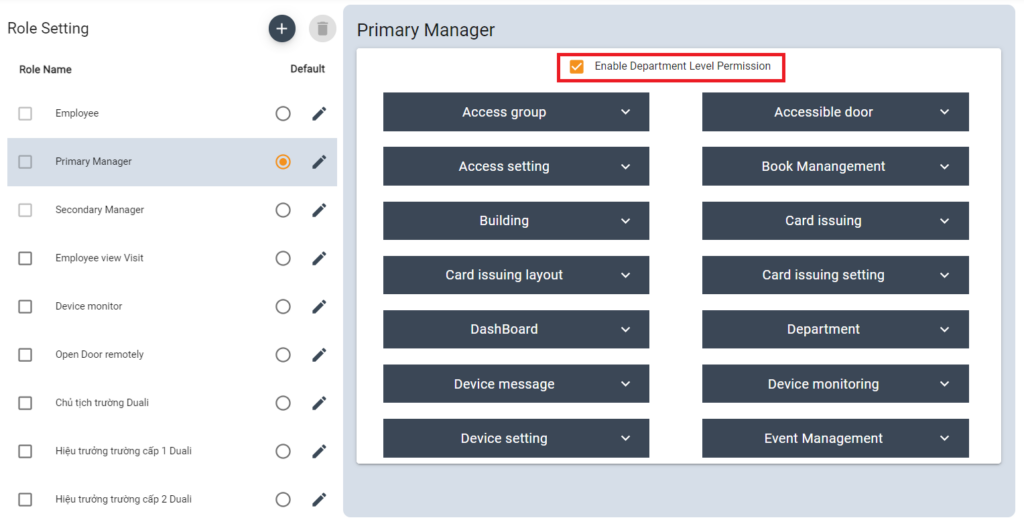
Enable Department Level Permission
Click to Enable Department Level Permission
This function is used to limit the role of the primary manager of each department
Primary manager has the authority to view/add/edit/delete of his department only.
Delete Roles
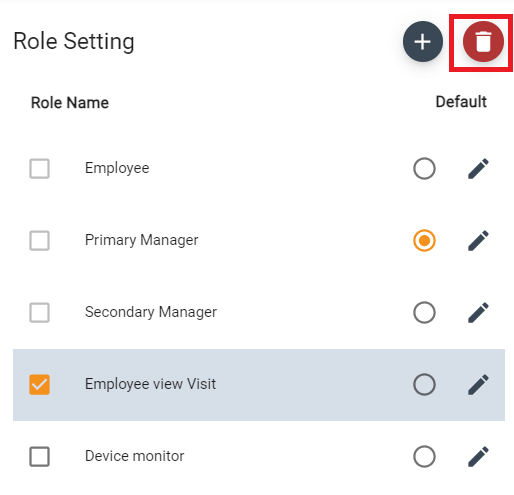
To delete the role, select the role from the list then click trash icon