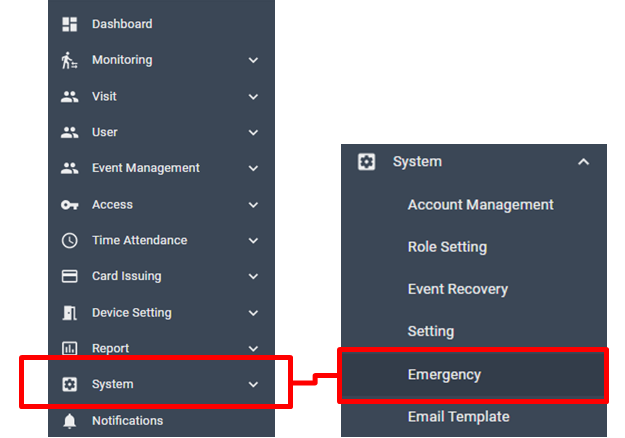
[System > Emergency]
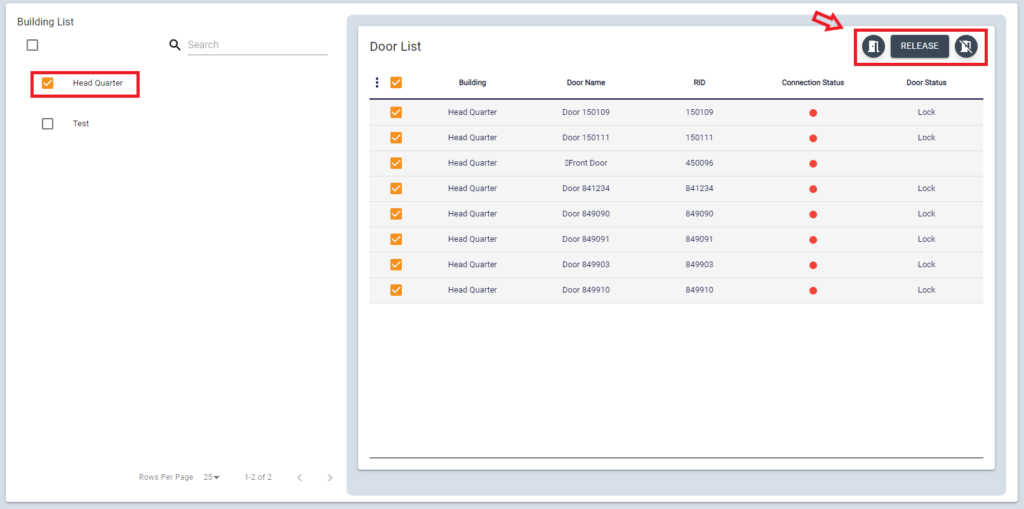
This feature is to open or close doors of the selected building manually in case of emergency.
Select the building from the list, and the Door(device) on this building will be listed on the right. All doors under this building will be automatically selected. Click the Door Open icon to open all doors at once. Or you can click Closing door icon in case to lock the door.