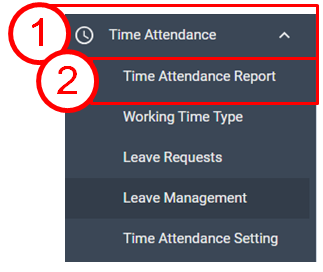
From Time Attendance Report menu, you can filter T&A data and download them.
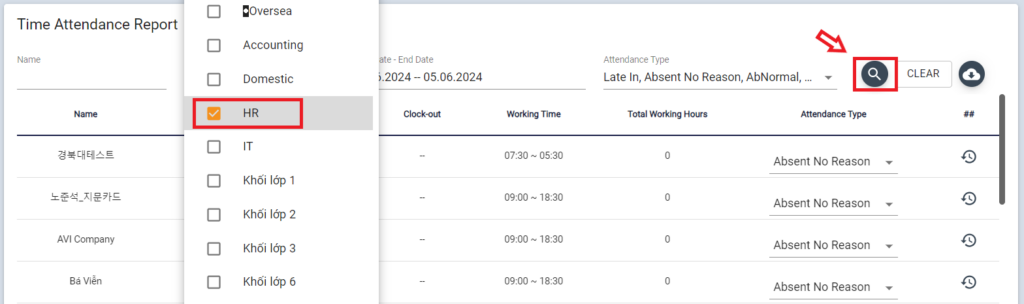
From the list, check sorting item (Name or Department, schedule) and Type of event

For example, to download T&A data of a department, check Department name and schedule, then click Search icon
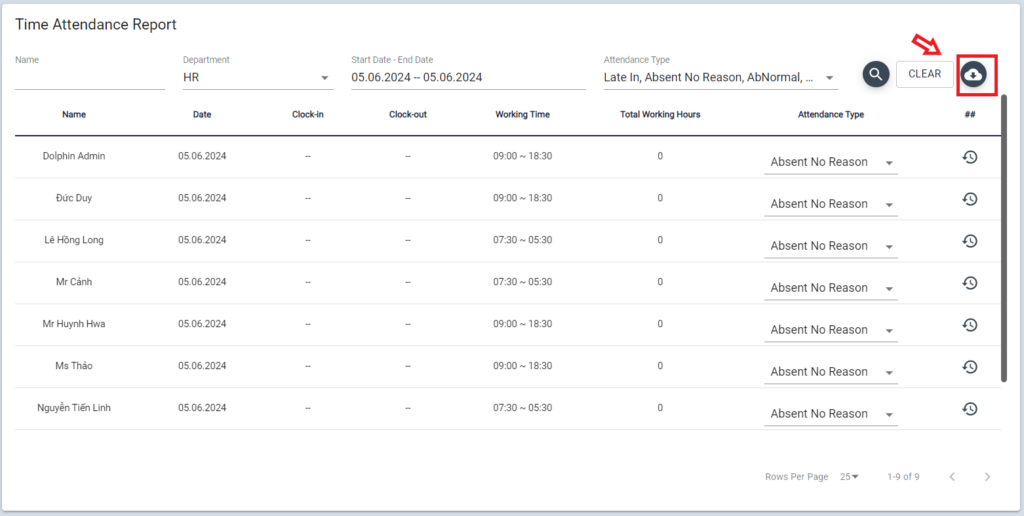
The sorted data is displayed on web, click download button then select format (Excel / CSV)
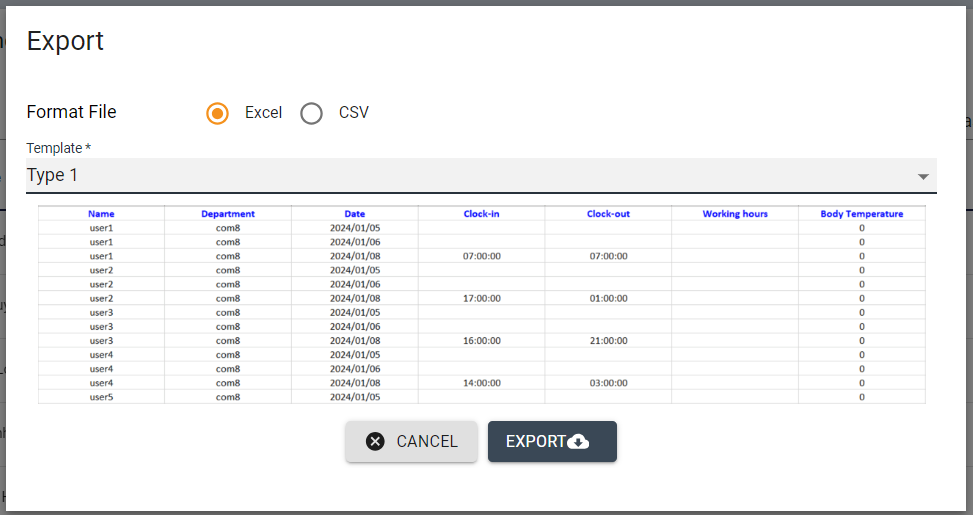
Select template report, click the export data button to download time attendance report