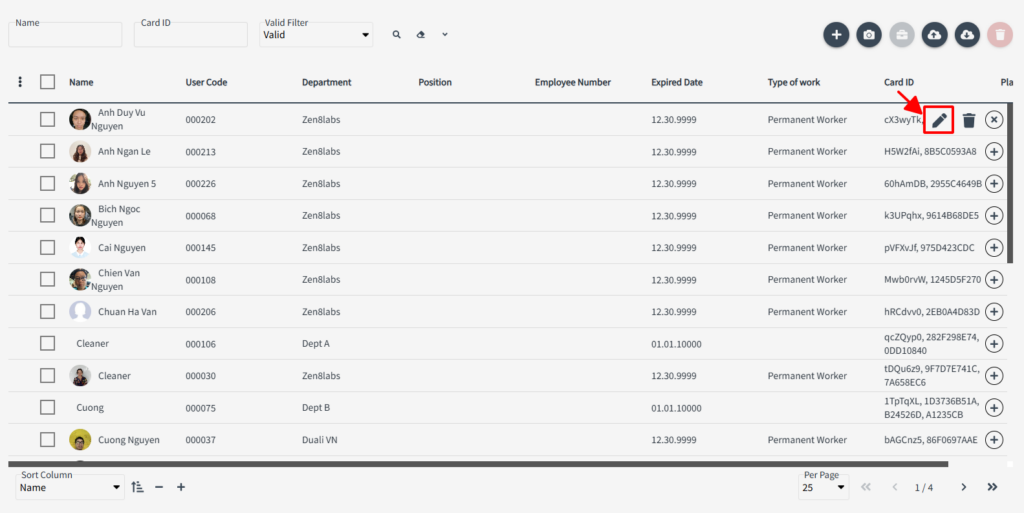
Go to User > User menu
Double-click a User, or click Edit icon of the User from the User list
From User Card List tab, click + button
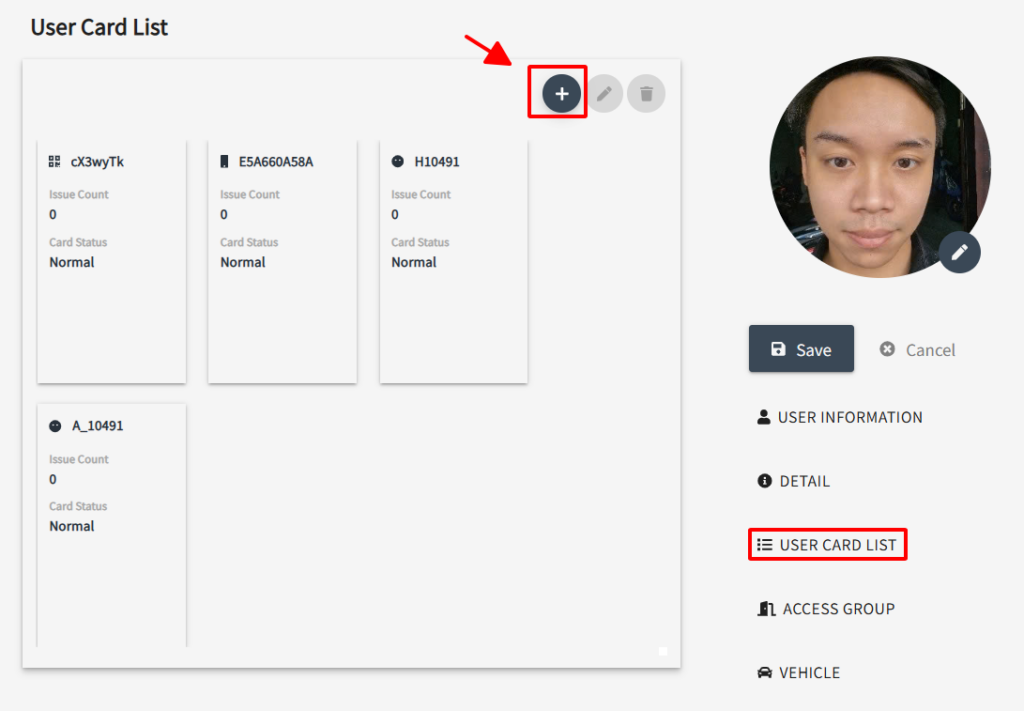
Select Authentication method type to add
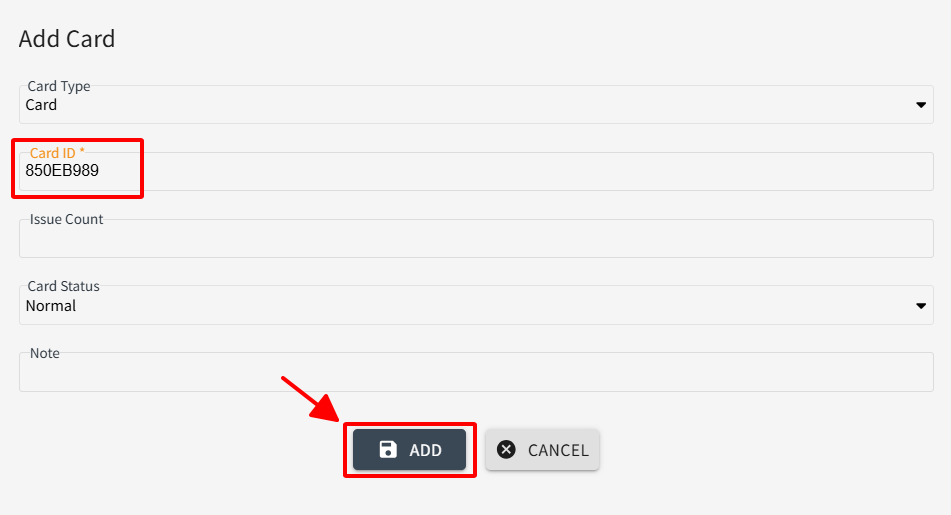
- Add RF Card
Then input UID of card, or connect Dragon(DE-620) then place ID card to get UID. Click [ADD]
- Add QR/ PassCode/ NFC Phone/ H Face ID/ L Face ID
Select the type of ID you want to add and click [ADD]
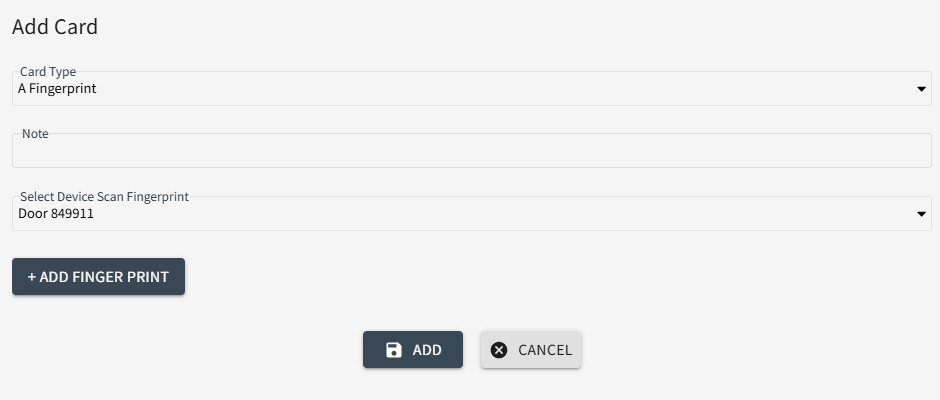
- Add Aratek FingerPrint
Select Card type then select Device scan fingerprint and click [ADD FINGERPRINT]
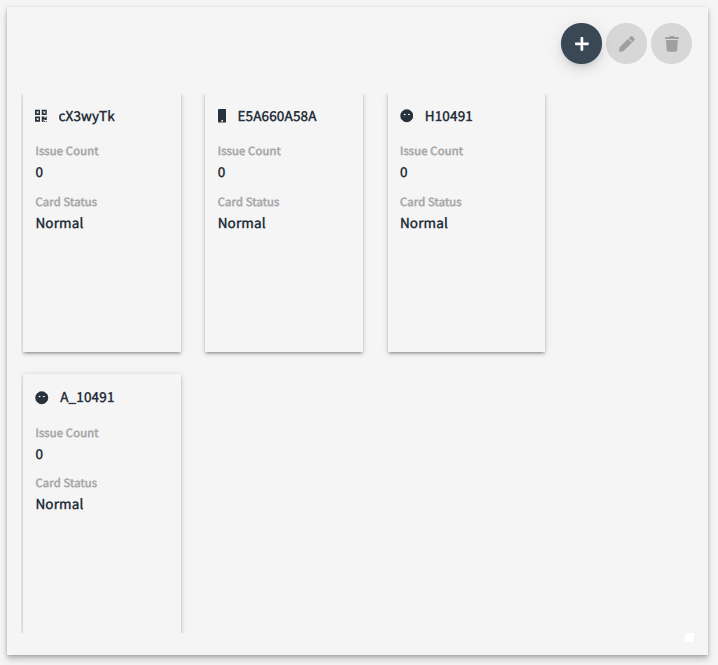
Check the Card ID added to the list, then click [SAVE]