You can add a user from the Monitoring menu when using RF Card as an authentication method.
- Tap the new RF Card into any registered terminal at door.
- Check for the unregistered card even from the alarm list.
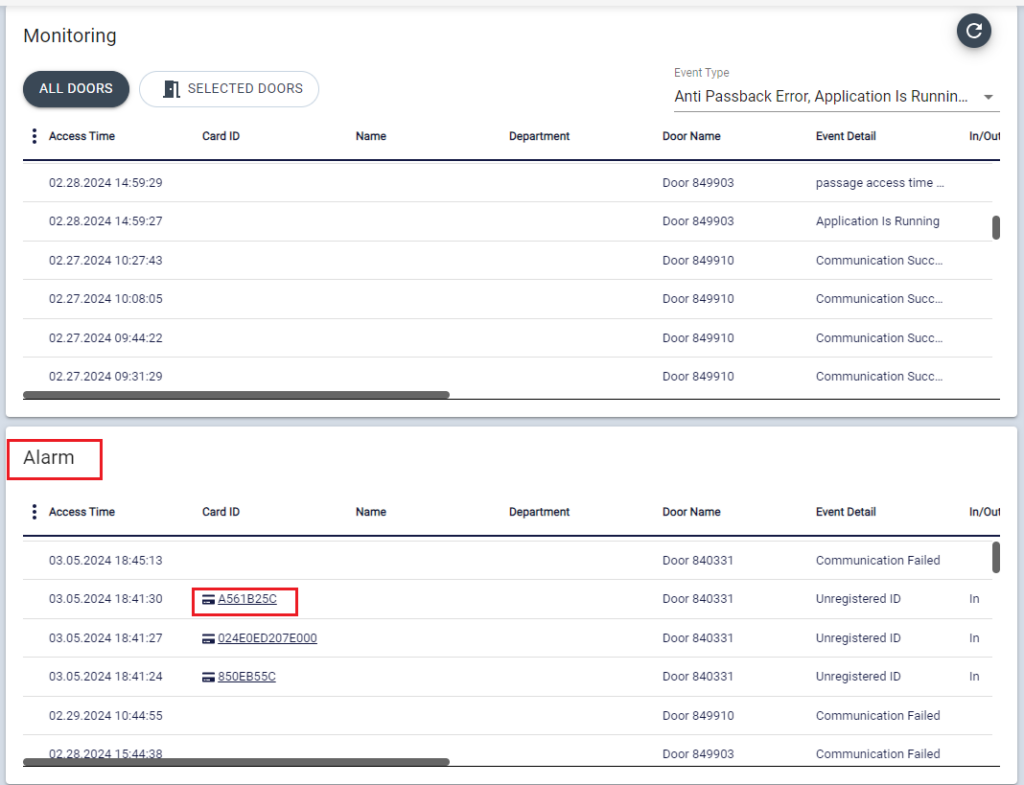
3. Double click the card ID, then User information page will be opened.
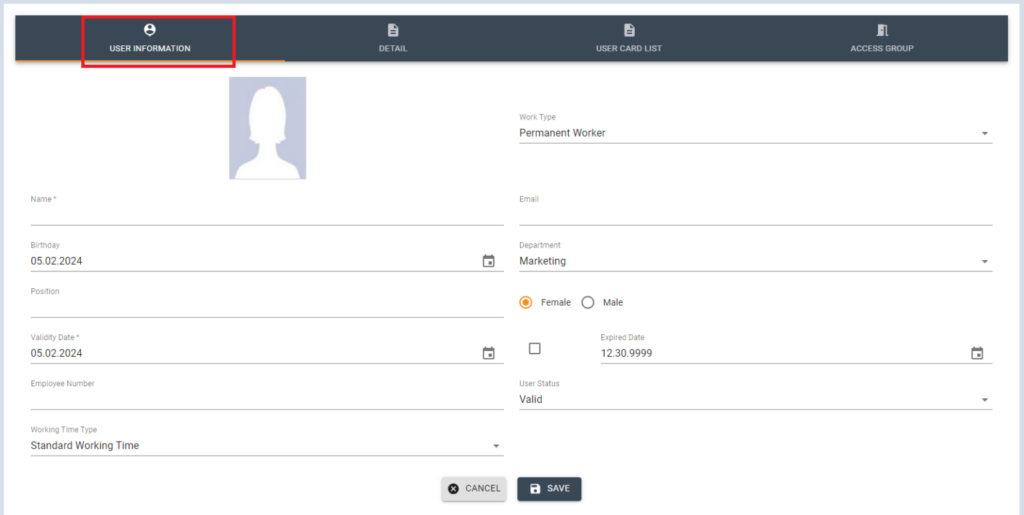
4. Fill out the Basic information of the User. ( the field with * mark is mandatory information to register a User) then click [SAVE]
- Validation Date : The start date to give access
- Expired Date : The access expiration date
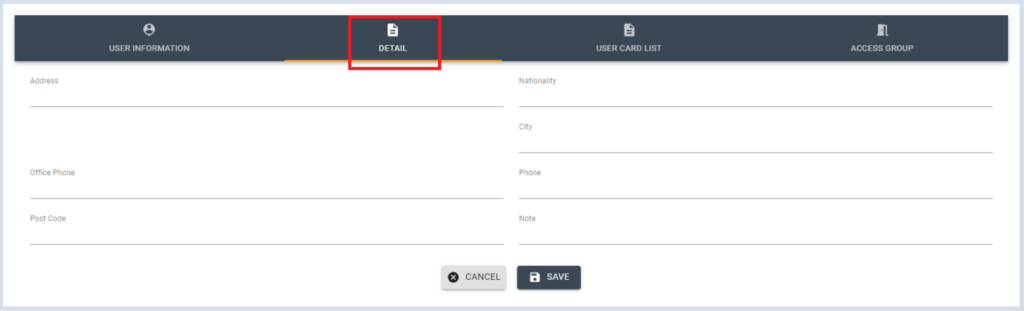
You can add Detail information of the user in DETAIL tab. Detail information is not mandatory, so it can be skipped.
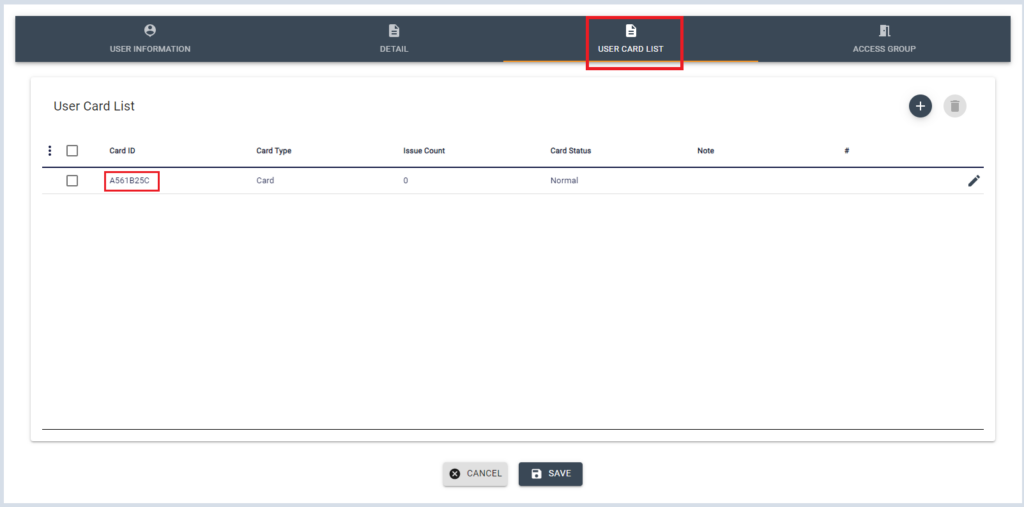
In User Card List tab, you will see the Card ID is automatically input. click [SAVE]
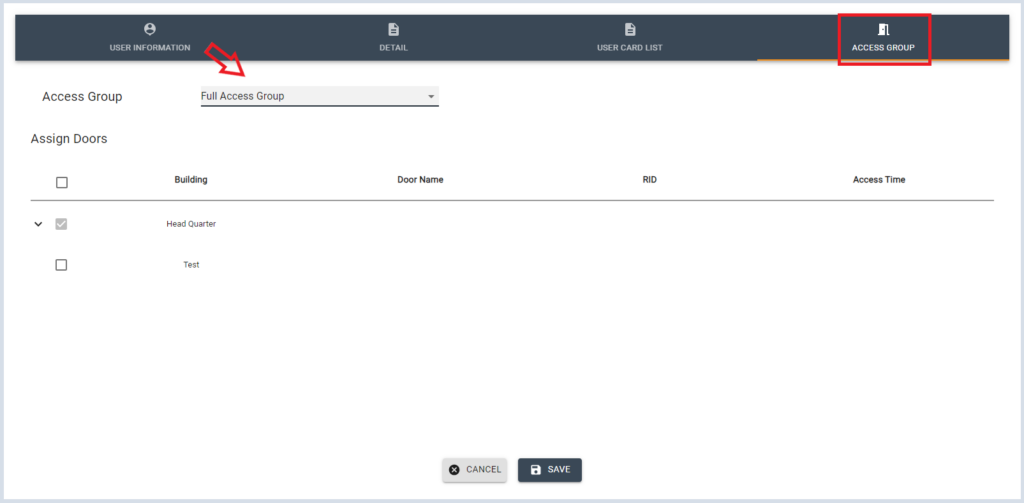
Select the Access group for this user, and assign doors to give access then click [SAVE]
For more information on Access group, see Access Group.
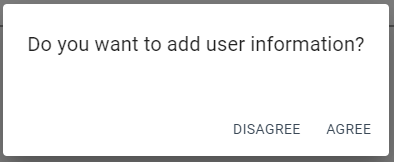
The following message will pop-up asking to save this user. Click [AGREE] to save this User.
Then DUALL Master system will automatically save and send this User ID to devices.