1] Add Department
Add Department from User > Department menu.
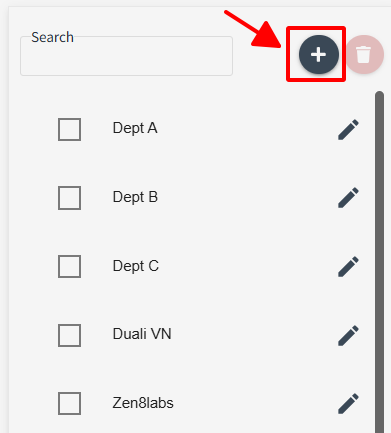
Click [ + ] button to add Department
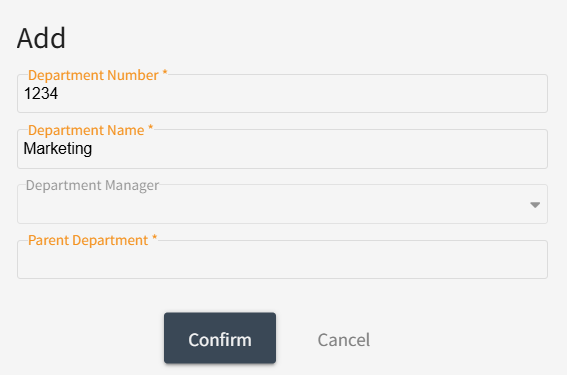
Fill out mandatory information ( * ) , select Parent Department then click [Confirm] to save.
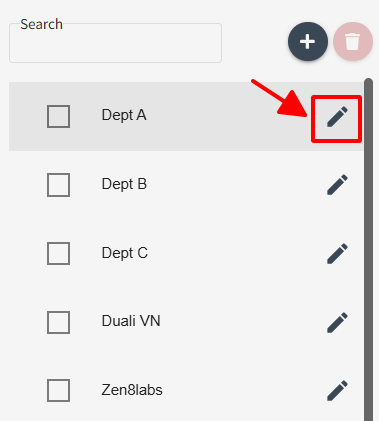
2] Modify Department information
Select Edit icon from User > Department menu.
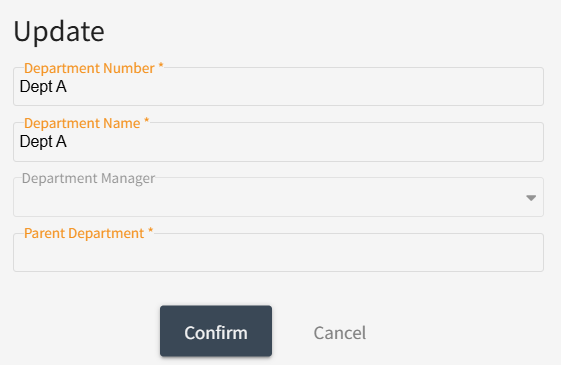
Change the information, then click [Confirm] button to save
3] Delete Department
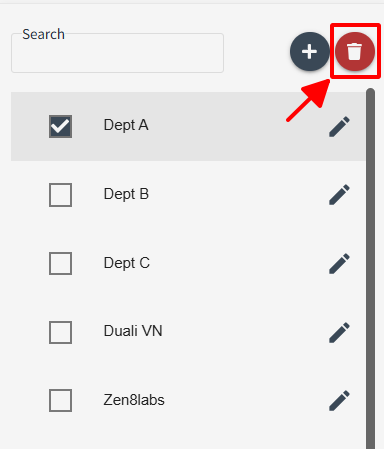
Select the Department to delete from User > Department menu.
Select Department you want delete then click Delete icon.
When the following window pop-up to confirm, click [Confirm] to delete this Department.
